Connection USB-C
Displays Up to 1
Power 85W PD
Driver Native
This page contains affiliate links. We may earn a commission at no extra cost to you. Read our affiliate disclosure.
 By Adrian Cel
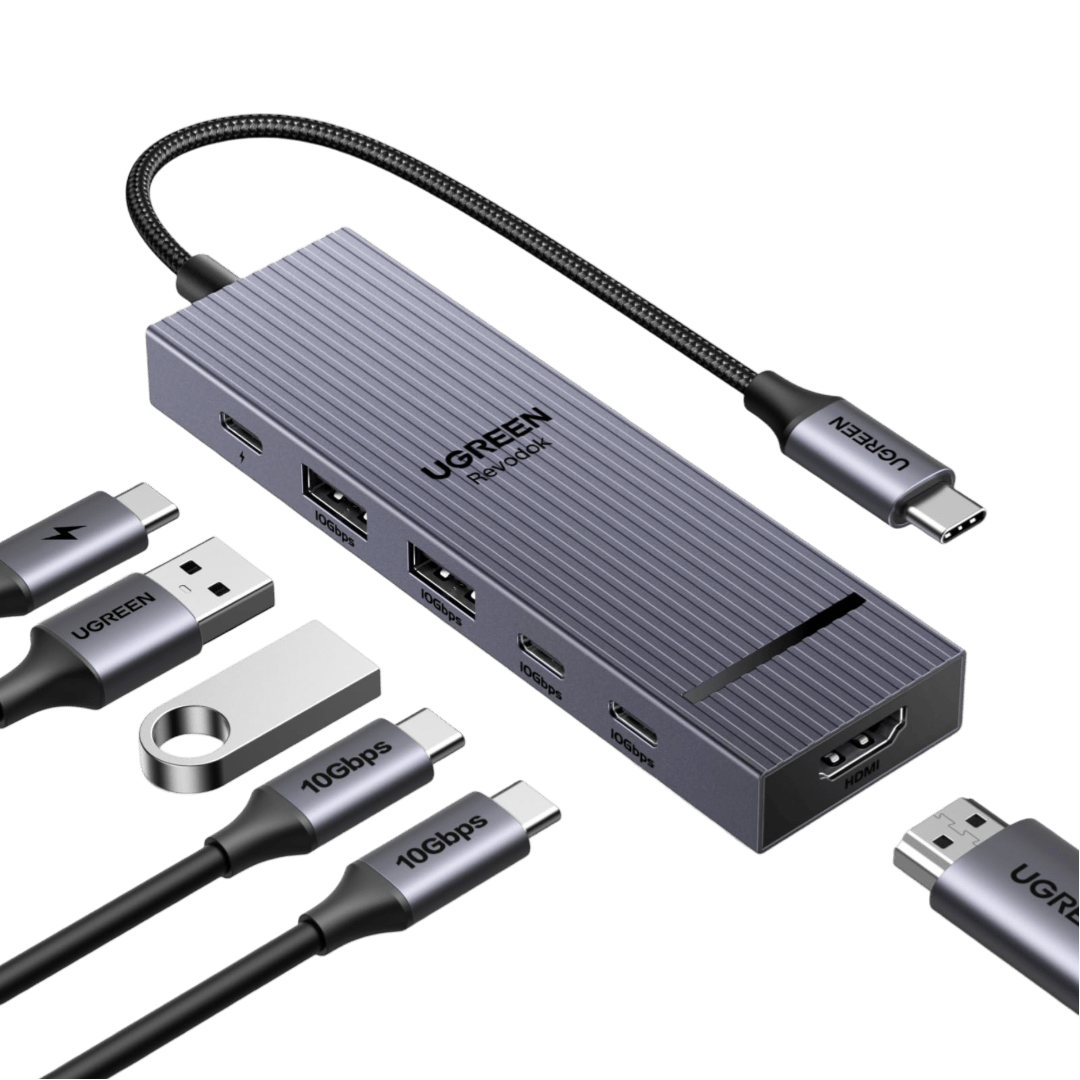
The UGREEN Revodok 105 is a small 5-in-1 USB-C hub for laptops and tablets that need a single HDMI output, a few USB-A ports, and USB-C passthrough charging without paying for a full docking station. UGREEN's US product page lists the hub as SKU 15495 and describes the core layout clearly: one HDMI port, one USB-C Power Delivery input, one USB-A 3.0 port, and two USB-A 2.0 ports. Amazon's US listing for ASIN B0BR3M8XHK showed a 4.6-star rating from 32,186 reviews during research, with the same port mix and UGREEN as the seller. Independent reviews from Mighty Gadget and My Helpful Hints identify the model as Revodok 105, manufacturer code CM478, and confirm the practical limits: HDMI tops out at 4K at 30Hz, the fast USB-A port reaches 5Gbps, the two slower USB-A ports are for keyboards, mice, printers, and other low-bandwidth peripherals, and the USB-C port is for PD passthrough only, not data or video. This is not a Thunderbolt dock, USB4 dock, DisplayLink adapter, or dual-monitor hub. It is a simple travel adapter for one screen and basic peripherals.
Workaround: Use it for 1080p, 1440p, presentations, or light 4K office work. Choose a 4K60 hub such as the UGREEN Revodok Pro 106 if smooth 4K desktop use matters.
Workaround: Use a dual-output USB-C MST hub for compatible Windows laptops, a DisplayLink dock, or a Thunderbolt dock if you need two displays.
Workaround: Step up to a larger UGREEN or Anker hub if wired networking, SD cards, or USB-C data accessories are part of your daily setup.
Workaround: Reserve the single USB-A 3.0 port for storage and use the USB-A 2.0 ports for low-bandwidth peripherals.
Workaround: Use the PD port only for a charger. It will not connect USB-C monitors, storage, docks, or phones for data.
Workaround: Pair the hub with a USB-C PD charger and cable sized for your laptop. A weak charger may still trigger slow-charging warnings.
| General | |
| Manufacturer | UGREEN |
| Model | CM478 / 15495 |
| Connectivity | |
| Host Connection | USB-C |
| Max Data Rate | 5 Gbps |
| Driver Required | No (native) |
| Display Output | |
| Max Displays | 1 |
| 1x Display | 3840x2160 @ 30Hz (Single HDMI output up to 4K@30Hz. Requires a USB-C host port with DisplayPort Alt Mode.) |
| Ports (5+ total) | |
| USB-A 3.0 | 1x |
| USB-A 2.0 | 2x |
| USB-C | 1x (100W) |
| HDMI 1.4 / 4K@30Hz | 1x |
| Power | |
| Power Input | USB-C |
| Laptop Charging | Up to 100W |
Works as a driverless USB-C hub on Windows laptops with a USB-C, USB4, or Thunderbolt port that supports DisplayPort Alt Mode for HDMI output.
Works as a single-display USB-C hub on compatible MacBooks. It does not bypass Apple Silicon external-display limits.
Independent review specs list Linux support. HDMI depends on USB-C DisplayPort Alt Mode support and the Linux graphics stack.
Retail and review compatibility lists include Chromebooks, provided the USB-C port supports video output.
Amazon and review copy list phones and tablets, but HDMI and charging behavior depends heavily on the device's USB-C implementation.
No HDMI output
Only one external display is supported
HDMI is limited to 4K@30Hz
PD port is charging-only
Good
The Revodok 105 makes sense if you want the cheapest reputable UGREEN hub that can turn one USB-C laptop port into HDMI, charging input, and three USB-A connections. The biggest win is the price-to-basics ratio. UGREEN's US store had it at $15.98 during research, Mighty Gadget called it one of the most affordable options from a reputable brand, and Amazon had more than 32,000 ratings on the same ASIN. For a MacBook Air, Chromebook, Surface, Dell XPS, ThinkPad, iPad Pro, or compact Windows laptop, that is enough for presentations, hotel desks, classrooms, and light home-office use. You can plug in a 100W USB-C PD charger, connect a 1080p or 1440p monitor, add a mouse and keyboard, and still have one faster USB-A port for a flash drive or SSD. The trade-offs are just as important. The HDMI port is limited to 4K at 30Hz, so it is fine for static office work and video playback but not ideal for a daily 4K desktop where cursor movement and scrolling feel smoother at 60Hz. There is no Ethernet, card reader, audio jack, USB-C data port, second display output, or included charger. The PD input is charging-only, and the laptop still needs a USB-C port with DisplayPort Alt Mode for HDMI to work. Reddit search surfaced the usual budget-hub questions around whether passthrough power helps peripherals and a report of a Dell XPS 13 warning that it wanted a higher-power charger when using a UGREEN Revodok 105 through passthrough. That does not make the hub bad, but it is a reminder that 100W PD input is not the same as a guaranteed 100W reaching every laptop. Buy the Revodok 105 as a cheap one-monitor travel hub, not as a permanent desktop dock. If you need 4K at 60Hz, Ethernet, card readers, or faster USB-C data, step up to the UGREEN Revodok Pro 106, Revodok Pro 107, or Anker 341 instead.


