Connection USB-C
Displays Up to 1
Power 85W PD
Driver Native
This page contains affiliate links. We may earn a commission at no extra cost to you. Read our affiliate disclosure.
 By Adrian Cel
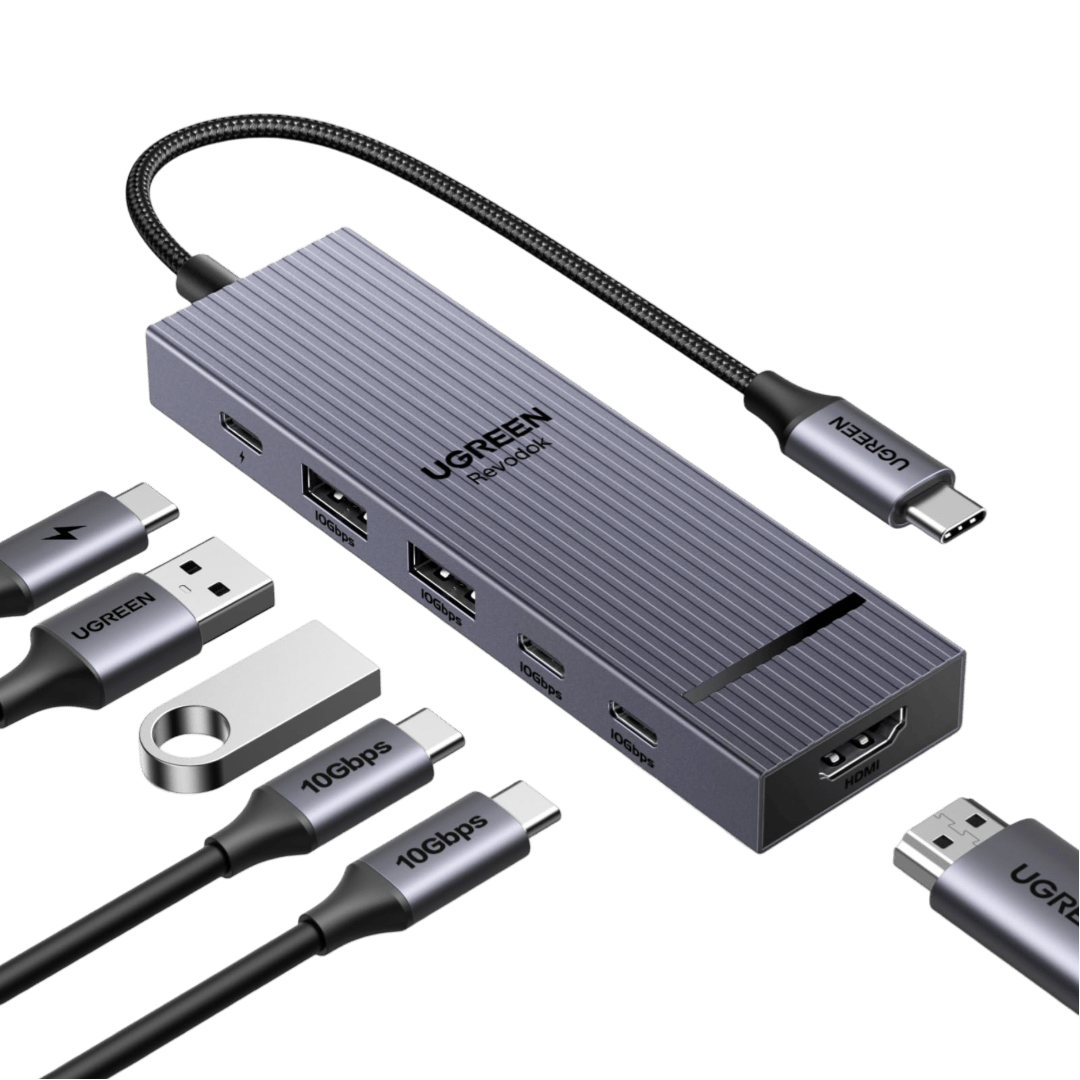
The UGREEN Revodok Pro 107 is a compact 7-in-1 USB-C hub for people who need faster data ports, one HDMI monitor, card readers, and passthrough charging in a travel-size adapter. The Amazon.com listing for ASIN B0BXDSW15H identifies it as the Revodok Pro 107 USB-C Hub 7 in 1 with 10Gbps USB-C 3.2, two 10Gbps USB-A 3.2 ports, 4K HDMI, 100W Power Delivery, and SD/TF card readers. Retailer listings for model 15531 and regional Amazon pages add the missing display detail: the HDMI output is 4K at 30Hz, not 4K at 60Hz. That makes this hub different from the newer Revodok Pro 106, which gives up card readers for a 4K60 HDMI output and four fast data ports. The Pro 107 is better if you want SD and microSD slots in the same dongle, but weaker if you care about smooth 60Hz desktop output on a 4K monitor. It is still a driverless USB-C DisplayPort Alt Mode hub, so it depends on the host laptop, tablet, or phone having USB-C video output. It does not add DisplayLink, Thunderbolt bandwidth, Ethernet, audio, or a second external monitor.
Workaround: Use 1080p or 1440p for smoother office work, or choose a 4K60 hub such as the Revodok Pro 106 if your monitor is 4K.
Workaround: Step up to a larger Revodok Pro dock if you need wired networking, audio, or dual displays.
Workaround: Check the laptop, tablet, or phone specs before buying. Data-only USB-C ports cannot drive the HDMI output.
Workaround: Use the USB-C data port for storage and peripherals. Use the dedicated USB-C PD port for charger input and the HDMI port for video.
Workaround: Use a USB-C PD charger with enough headroom for your laptop and attached peripherals.
| General | |
| Manufacturer | UGREEN |
| Model | 15531 |
| Release Date | 2023-03 |
| MSRP | $49.99 |
| Connectivity | |
| Host Connection | USB-C |
| Max Data Rate | 10 Gbps |
| Driver Required | No (native) |
| Display Output | |
| Max Displays | 1 |
| 1x Display | 3840x2160 @ 30Hz (Single HDMI output up to 4K@30Hz on compatible USB-C DisplayPort Alt Mode hosts. The hub has no second display output.) |
| Ports (4+ total) | |
| USB-C 3.2 | 1x |
| USB-A 3.2 | 2x |
| HDMI 1.4 | 1x |
| SD Card Reader | 1x |
| microSD Card Reader | 1x |
| Power | |
| Power Input | USB-C |
| Laptop Charging | Up to 100W |
Works as a plug-and-play USB-C hub when the host USB-C port supports DisplayPort Alt Mode for HDMI output.
Works for USB data, card readers, passthrough charging, and one HDMI display. It does not add extra display capacity to base Apple Silicon Macs.
No proprietary display driver is required, but HDMI depends on USB-C DisplayPort Alt Mode support and the Linux graphics stack.
Should work as a standard USB-C hub on Chromebooks with USB-C video output.
Can work with USB-C tablets and phones that support USB-C video output and external storage. Power behavior varies by device.
HDMI output will not work
Only one external display is supported
HDMI is limited to 4K at 30Hz
Good
The Revodok Pro 107 is best read as a fast general-purpose adapter with card readers, not as a full desk dock. Its strongest point is the practical port mix. You get one 10Gbps USB-C data port, two 10Gbps USB-A data ports, HDMI, SD, microSD, and USB-C Power Delivery input from one compact aluminum and plastic hub. That is enough for a MacBook Air, iPad Pro, Surface, Dell XPS, ThinkPad, or similar USB-C laptop when your daily kit includes a flash drive, mouse receiver, camera card, and occasional conference-room display. The compromise is display quality. 4K at 30Hz is acceptable for slides, video playback, and basic office use, but it feels less fluid than 4K60 for mouse movement and long desktop sessions. Amazon buyer data available during this audit showed a real US ASIN with a 4.3 out of 5 star rating, while regional Amazon snippets for the same ASIN showed roughly 4.4 to 4.5 stars across more than 500 reviews. A PCMENA review framed the same trade-off clearly: versatile 10Gbps data, 100W passthrough, and card slots, but limited 4K30 HDMI and host-dependent compatibility. Buy the Pro 107 if you want card readers and fast USB in a small hub. Choose the Revodok Pro 106, Anker 555, or a larger dock if you need 4K60, Ethernet, dual monitors, an audio jack, or a fixed desktop setup.


