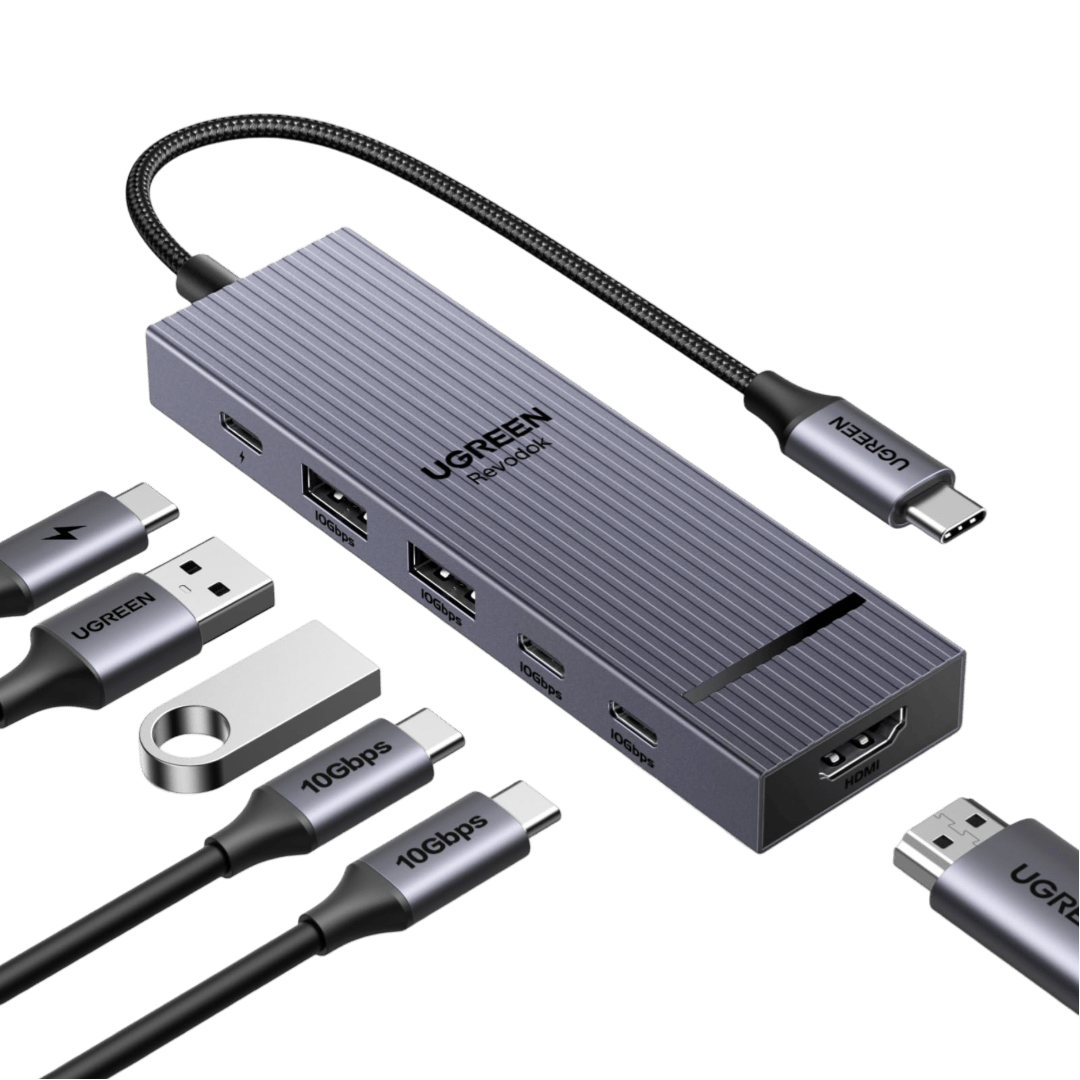
Connection USB-C
Displays Up to 1
Power 85W PD
Driver Native
This page contains affiliate links. We may earn a commission at no extra cost to you. Read our affiliate disclosure.
 By Adrian Cel
The UGREEN Revodok Pro 109 is a 9-in-1 USB-C hub for people who want the common desk and travel ports in one compact adapter: HDMI, Gigabit Ethernet, SD and microSD readers, passthrough charging, and four USB data ports. UGREEN's US product page lists model 15532 as the Revodok Pro 9-in-1 USB-C Hub, while the Amazon listing ties the same model to ASIN B0BXDSPSPW. The port layout is stronger than the smaller Revodok Pro 106 and 107 because it combines their best parts: 4K@60Hz HDMI, 10Gbps USB-C and USB-A data, card readers, and wired Ethernet. It is still a USB-C DisplayPort Alt Mode hub, not a Thunderbolt dock and not a DisplayLink adapter. That means it supports one external display, and that display depends on the host USB-C port supporting video output. For a MacBook Air, Windows ultrabook, Chromebook, Steam Deck, iPad, or USB-C phone that needs one monitor and a real Ethernet jack, the Pro 109 is a practical step up from cheaper 5Gbps dongles.
Workaround: Choose a dual-display USB-C dock, DisplayLink dock, or Thunderbolt dock if you need two external monitors.
Workaround: Check the laptop or tablet specs before buying. Use a lower resolution or refresh rate if the host only supports an older DisplayPort mode.
Workaround: Install the chipset driver if the Ethernet adapter is not detected, or use a separate USB Ethernet adapter for critical network setups.
Workaround: Use the dedicated USB-C PD port for charger input and the HDMI port for video.
Workaround: Keep the hub uncovered, avoid unplugging power during active transfers, and test HDMI and Ethernet within the return window.
| General | |
| Manufacturer | UGREEN |
| Model | 15532 |
| Release Date | 2023-11 |
| MSRP | $54.99 |
| Connectivity | |
| Host Connection | USB-C |
| Max Data Rate | 10 Gbps |
| Driver Required | No (native) |
| Display Output | |
| Max Displays | 1 |
| 1x Display | 3840x2160 @ 60Hz (Single HDMI output up to 4K@60Hz when the host USB-C port supports DisplayPort Alt Mode, with UGREEN and XDA noting that 4K60 depends on DisplayPort 1.4 or higher support.) |
| Ports (5+ total) | |
| USB-C 3.2 | 1x |
| USB-A 3.2 | 1x |
| USB-A 3.0 | 2x |
| HDMI 2.0 | 1x |
| Ethernet (RJ45) | 1x 1 Gbps |
| SD Card Reader | 1x |
| microSD Card Reader | 1x |
| Power | |
| Power Input | USB-C |
| Laptop Charging | Up to 100W |
Works as a USB-C hub on hosts with USB-C DisplayPort Alt Mode for HDMI output. Ethernet may require a driver on some Windows setups.
Works for USB data, card readers, Ethernet, passthrough charging, and one HDMI display. It does not add extra display capacity to base Apple Silicon Macs.
USB data, cards, and Ethernet depend on standard class support and chipset drivers. HDMI depends on USB-C DisplayPort Alt Mode and graphics configuration.
Amazon and XDA list ChromeOS compatibility. HDMI still requires USB-C video output from the host.
Can work with USB-C tablets and phones that support video output, external storage, and USB peripherals. Charging and desktop-mode behavior vary by device.
HDMI output will not work
Only one external display is supported
4K60 may not be available
USB-C data port is data-only
Very Good
The Revodok Pro 109 is one of the better UGREEN compact hubs because the port mix is genuinely useful instead of padded. You get one USB-C 3.2 Gen 2 data port, one USB-A 3.2 Gen 2 data port, two USB-A 3.0 ports, HDMI, Gigabit Ethernet, SD, microSD, and a USB-C PD input rated at 100W. XDA tested the hub in 2024 and gave it 8 out of 10, praising the portable size, braided cable, card readers, Ethernet, and overall build quality. Amazon buyer data was also healthy during this audit, with the B0BXDSPSPW listing showing 4.4 out of 5 stars from 1,309 global ratings and a current Prime price around $31.99 against a $54.99 list price. The trade-offs are familiar for this class of adapter. The HDMI port is a single 4K@60Hz output, not a dual-monitor setup. The host must support USB-C video, and UGREEN notes that 4K60 needs DisplayPort 1.4 or better. The 10Gbps USB-C data port does not output video or charge devices, and the Ethernet controller may need a driver on some systems. Amazon reviews are mostly positive, but they also mention heat, reliability variance, and occasional 4K60 or Ethernet issues. Buy it if you want a compact all-rounder for one external monitor, Ethernet, storage cards, and laptop charging. Skip it if you need two displays, Thunderbolt bandwidth, guaranteed driverless Ethernet on every OS, or a permanent desktop dock with a detachable host cable.

