Connection USB-C
Displays Up to 1
Power 86W PD
Driver Native
This page contains affiliate links. We may earn a commission at no extra cost to you. Read our affiliate disclosure.
 By Adrian Cel
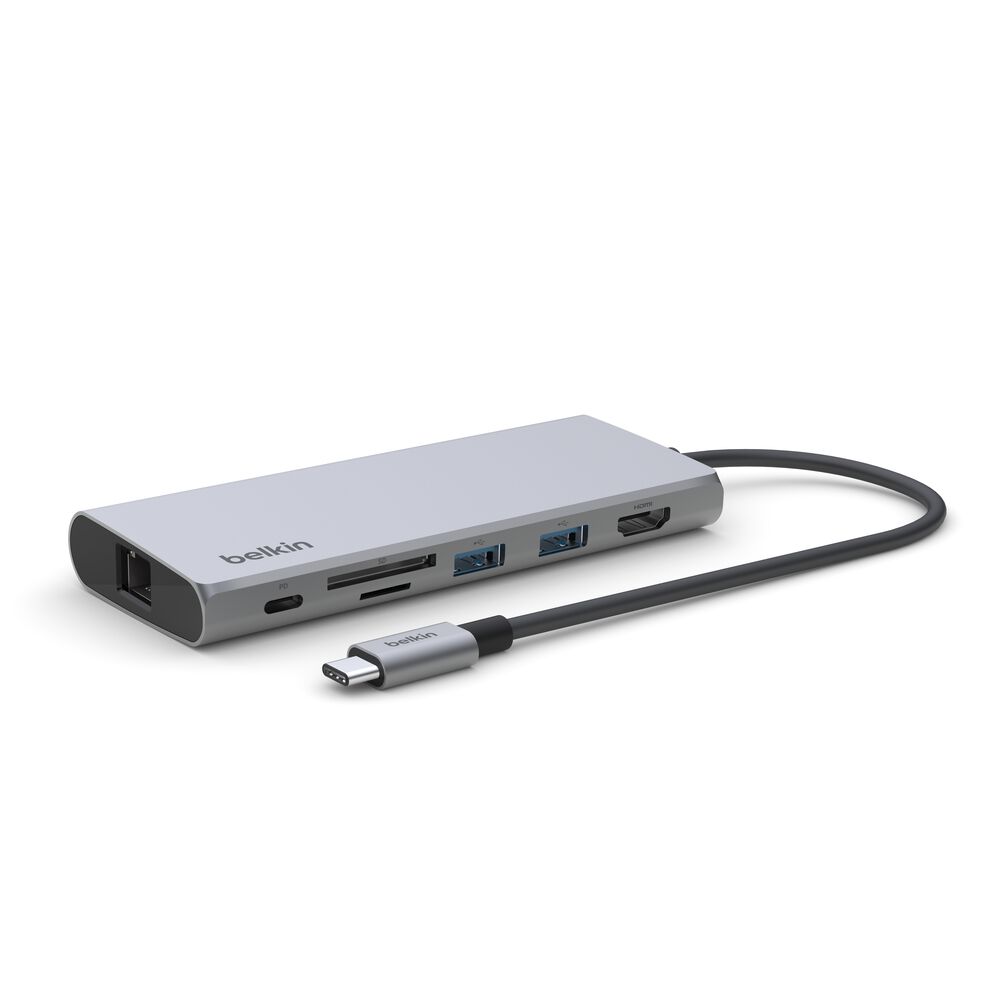
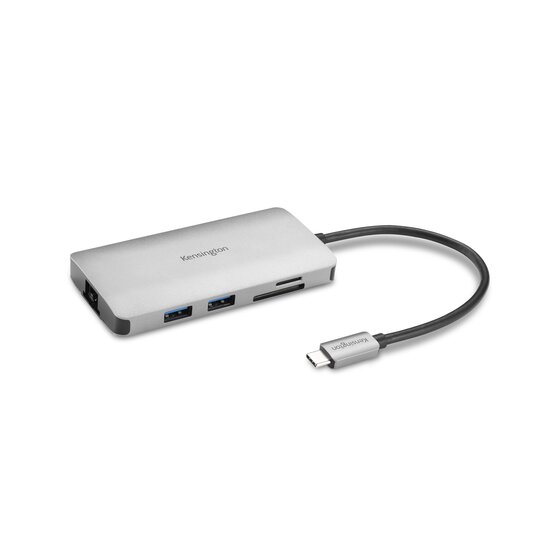
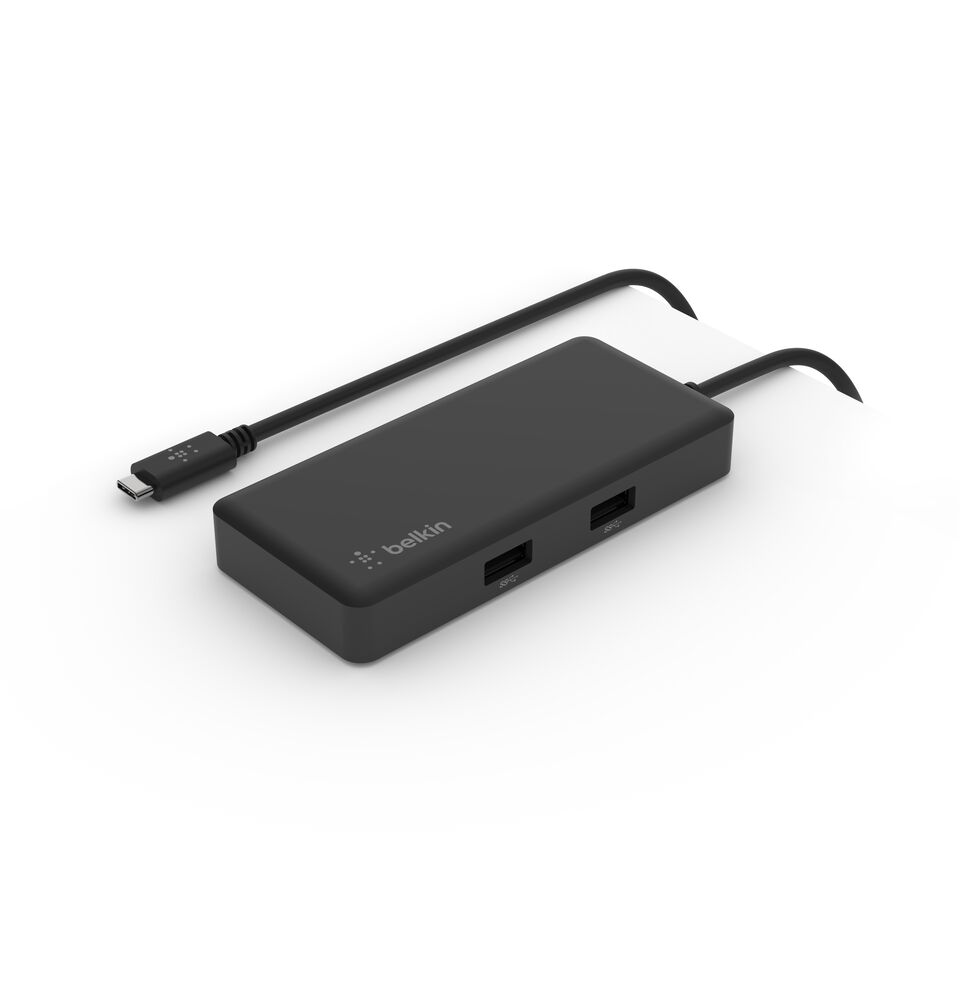
The Belkin INC011 is a small USB-C hub built for a very specific desk problem: you want extra ports near an iMac, monitor, or stand, but you do not want another loose dongle sitting on the desk. Belkin ships it with a removable 3M Command Strip mount, and the hub has a quick-release button so you can detach it when you want to take it with a laptop. The port list is more about data than video. Belkin lists two USB-A ports, one downstream USB-C port, SD 3.0 and microSD card readers, and Gigabit Ethernet, with up to 10Gbps data transfer speed over the host USB-C connection. There is no HDMI, no DisplayPort, no audio jack, and no advertised laptop charging pass-through. That makes it different from Belkin's INC008 and INC009 travel hubs, which focus on HDMI and USB-C Power Delivery. The INC011 is closer to a tidy desktop expansion hub for people who already have the display handled and mostly need Ethernet, card readers, and a few USB ports within reach.
Workaround: Choose a Belkin INC008, INC009, or another USB-C hub with HDMI if you need monitor output.
Workaround: Keep your laptop charger connected separately, or choose a powered USB-C hub with a documented Power Delivery input.
Workaround: Belkin's At a Glance section lists SD 3.0 and microSD, but the technical-spec table only lists microSD. Confirm with product images or buy from a seller with easy returns if full-size SD is critical.
Workaround: Use self-powered drives or a powered USB hub for heavier peripherals. Test storage transfers during the return window.
| General | |
| Manufacturer | Belkin |
| Model | INC011ttWH |
| MSRP | $69.99 |
| Connectivity | |
| Host Connection | USB-C |
| Max Data Rate | 10 Gbps |
| Driver Required | No (native) |
| Display Output | |
| Max Displays | 0 |
| Ports (3+ total) | |
| USB-A 3.2 | 2x |
| USB-C 3.2 | 1x |
| Ethernet (RJ45) | 1x 1 Gbps |
| SD Card Reader | 1x |
| microSD Card Reader | 1x |
| Power | |
| Power Input | USB-C |
Belkin lists Windows support through the broader statement that the hub supports Windows, Mac, and Chrome OS.
Belkin lists iMac and MacBook compatibility. The mount is explicitly marketed for the back of an iMac, monitor, stand, or monitor base.
Belkin lists Chromebook and Chrome OS compatibility. USB, Ethernet, and card reader support still depend on the host device.
Belkin says the hub is compatible with USB-C tablets and smartphones, but Ethernet, storage, and card-reader behavior depends on the mobile device and OS support.
No display output
No advertised host charging
Limited to USB-C hub bandwidth
Good
The Belkin INC011 makes sense if you like the mount. Without that, it is just a clean but fairly limited 10Gbps USB-C hub. The official Belkin page lists a $69.99 price, a two-year warranty, SKU INC011ttWH, and a 4.9 rating from 21 reviews. The Amazon.com ASIN is B0B78G23ST, and the listing exists under the same product name. The strongest part of the design is the removable mount: it can hide behind an iMac, monitor, monitor stand, or under a desk, while the quick-release latch lets you take the hub with you. The port mix is useful for camera cards and wired networking, and the 10Gbps USB speed is better than the 5Gbps limit on many cheap hubs. The catches are equally clear. There is no display output, so this will not solve a monitor problem. There is no stated pass-through charging, so it will not replace a powered dock. Belkin's own technical specs list only a microSD slot under the Ports section, while the At a Glance section lists both SD 3.0 and microSD, so buyers who need full-size SD should confirm the slot layout from the product images or seller return policy. B&H customer feedback includes at least one report of the hub power cycling during photo transfers, while Best Buy shows one 4-star review mentioning that it does what it says but felt a little slow with Bluetooth devices. I would buy the INC011 for a clean iMac or monitor-side data hub, not as a travel dock or charging dock. If you need HDMI and power pass-through, the Belkin INC008 or INC009 is the better fit.