Connection USB-C
Displays Up to 1
Power 100W PD
Driver Native
This page contains affiliate links. We may earn a commission at no extra cost to you. Read our affiliate disclosure.
 By Adrian Cel
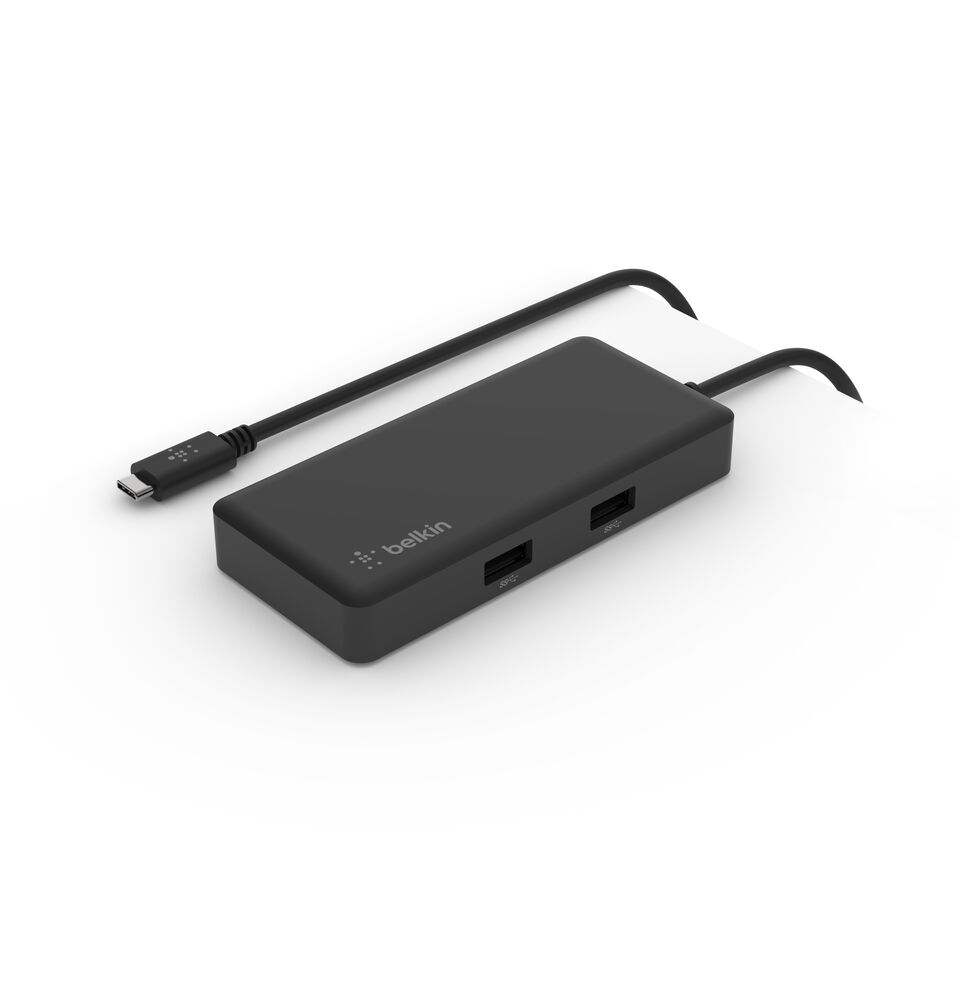
The Belkin AVC009 is a compact USB-C hub for a laptop or tablet that needs one HDMI display, two USB-A ports, card readers, audio, and pass-through charging without carrying a full desktop dock. The port layout is practical for a travel desk: HDMI supports one 4K display at up to 30Hz, the USB-A ports and host connection share 5 Gbps of bandwidth, and the SD plus microSD readers support UHS-II cards. There is also a 3.5mm TRRS jack for stereo audio and microphone input. A short 3.5-inch USB-C host cable is built into the aluminum body. Power works as pass-through. Belkin says the USB-C PD input accepts up to 100W, while the hub reserves 15W for itself, leaving up to 85W for a compatible laptop. The power port is not a downstream USB-C data connection. That distinction matters if you want to attach a USB-C SSD, monitor, or phone. The AVC009 is driver-free and is designed for USB-C laptops, including the MacBook, Windows, Surface, and iPad models named in Belkin's support documentation. It is a small one-monitor adapter, not a Thunderbolt dock or a route to dual-display support.
Workaround: Choose a hub with HDMI 2.0 or newer if you want one 4K 60Hz display, or a dock with additional video outputs for more monitors.
Workaround: Use the USB-A ports for peripherals or choose a hub that explicitly includes a USB-C data port.
Workaround: Avoid moving files from two fast cards or drives at the same time if transfer speed matters.
Workaround: Bring a USB-C Power Delivery charger. A 100W supply gives the hub the headroom for its maximum 85W host charging output.
Workaround: Keep the hub near the laptop. The integrated cable is 3.5 inches long and cannot be swapped for a longer one.
| General | |
| Manufacturer | Belkin |
| Model | AVC009xxSGY |
| Connectivity | |
| Host Connection | USB-C |
| Max Data Rate | 5 Gbps |
| Driver Required | No (native) |
| Display Output | |
| Max Displays | 1 |
| 1x Display | 3840x2160 @ 30Hz (One HDMI display up to 4K at 30Hz. The host USB-C port must support video output.) |
| Ports (3+ total) | |
| USB-A 3.0 | 2x |
| HDMI 1.4 | 1x |
| Audio (3.5mm-combo) | 1x |
| SD Card Reader | 1x |
| microSD Card Reader | 1x |
| Power | |
| Power Input | USB-C |
| Laptop Charging | Up to 85W |
Belkin lists tested Windows computers, including Surface Pro 7, Surface Go, Dell XPS, Dell Inspiron, HP EliteBook, and Lenovo ThinkPad T480. Video requires USB-C video output from the host.
Belkin lists tested MacBook Pro, MacBook Air, and Mac mini models, including M1 models. It supplies one external HDMI display only.
HDMI output will not work
Only one external display is supported
The USB-C port is power input only
Charging can be slower than the laptop's original adapter
Good
The Belkin AVC009 makes sense for a compact one-cable setup that still needs card readers and a headset jack. The 85W maximum host charging is enough for many thin laptops when paired with a 100W USB-C charger, and UHS-II support gives it an edge over basic hubs that only read slower cards. Belkin also backs it with a two-year limited warranty. Amazon's live US listing, ASIN B091KKB74Y, showed a 4.4 out of 5 rating from 751 reviews during research. Its limitations are easy to spot. HDMI tops out at 4K 30Hz, so it is better suited to documents, web work, and video than a 60Hz desktop monitor. All data shares a 5 Gbps USB-C connection, and the USB-C port is only for charging input. Buyers also need to provide their own USB-C power adapter. If you need Ethernet, a second display, or 4K at 60Hz, choose a larger hub. For a travel bag, occasional hot desk, or single-monitor laptop setup where SD cards and audio are useful, the AVC009 remains a well-rounded older USB-C adapter.