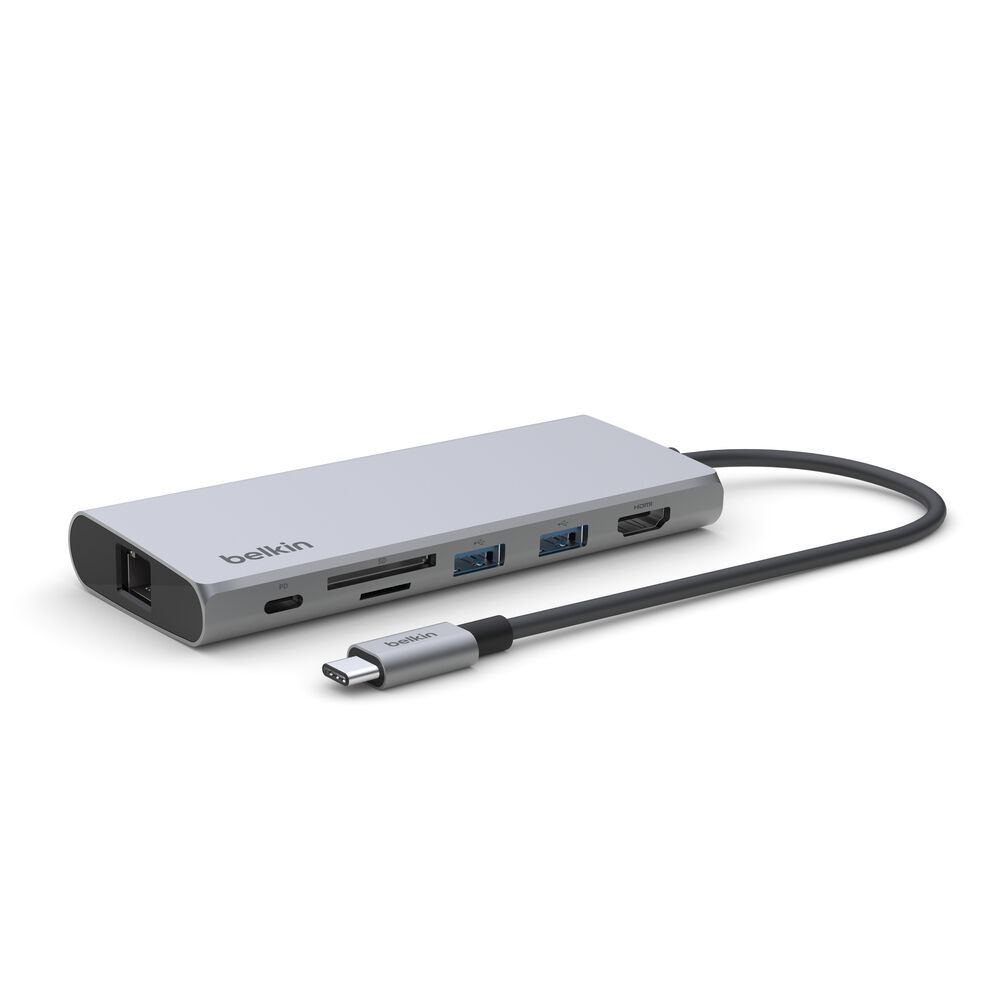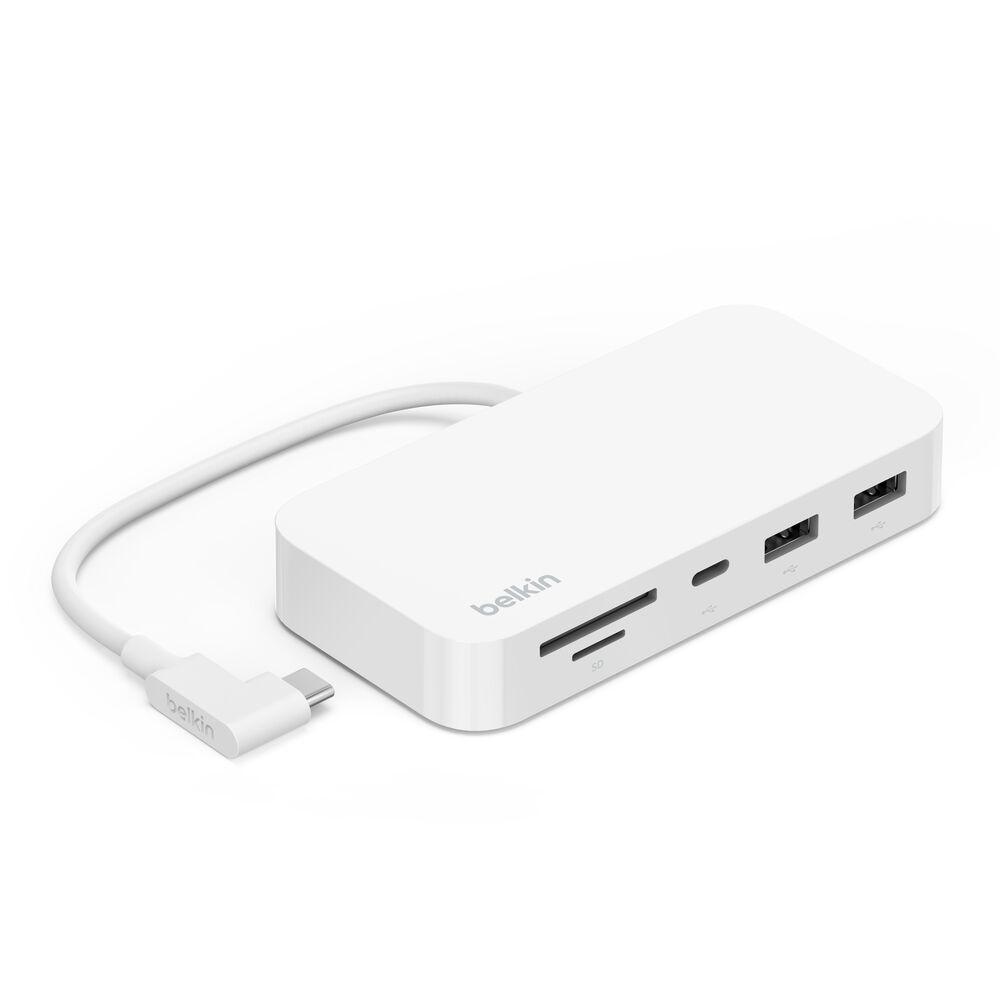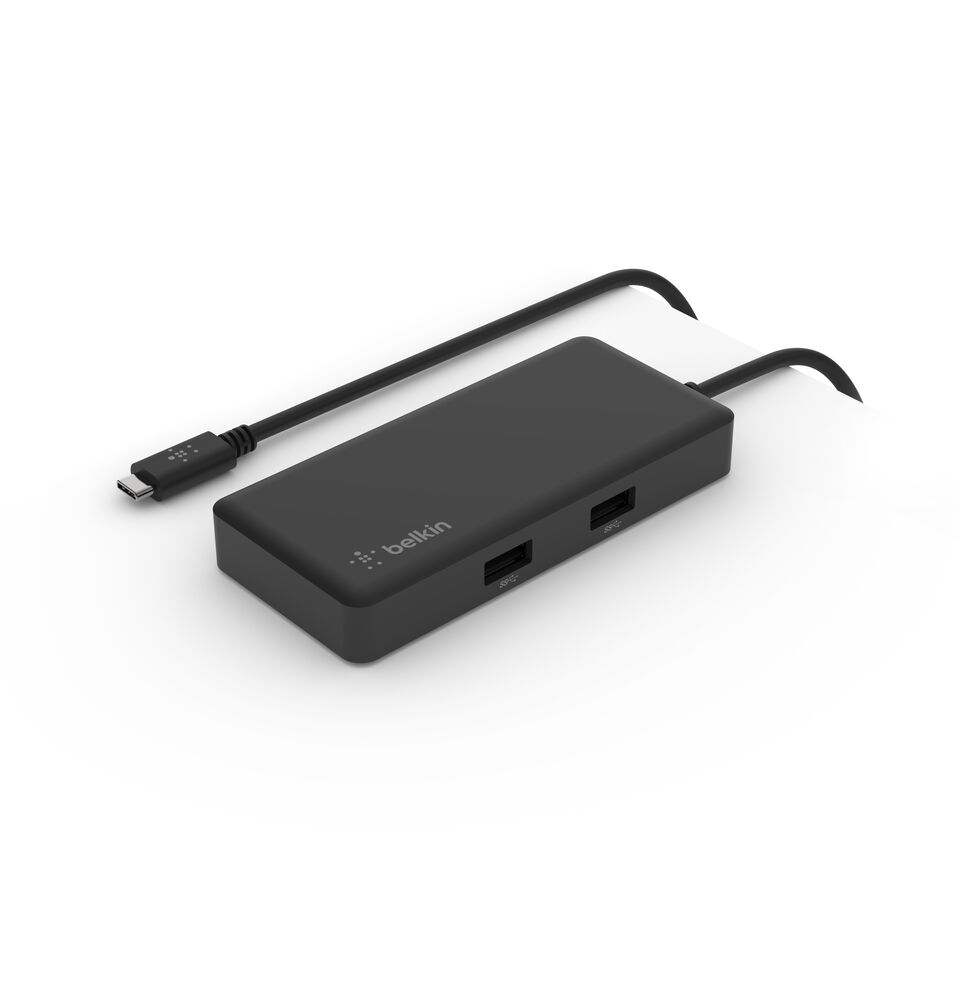
Connection USB-C
Displays Up to 1
Power 86W PD
Driver Native
This page contains affiliate links. We may earn a commission at no extra cost to you. Read our affiliate disclosure.
 By Adrian Cel
The Belkin AVC006 is a small USB-C adapter for the basic laptop-to-desk job: add one HDMI display, two USB-A accessories, and a USB-C Power Delivery input without carrying a full dock. Belkin's port list is one HDMI 1.4 output, two USB-A 3.0 BC1.2 ports, and one USB-C PD port. The HDMI connection reaches 3840x2160 at 30Hz, while the USB-A ports transfer data at up to 5 Gbps. The USB-C power input accepts up to 100W pass-through charging, although a charger is not included. This is a hub for one screen and ordinary desk accessories, not a way to add a second monitor or Thunderbolt storage. It is also worth checking the laptop's USB-C specification before buying. HDMI needs a USB-C port that can send video, and the adapter cannot add that capability to a data-only port.
Workaround: Choose a USB-C hub with HDMI 2.0 or DisplayPort if you need a 4K 60Hz desktop display.
Workaround: Use a larger USB-C, USB4, or Thunderbolt dock for two or more monitors.
Workaround: Pick a hub with the missing connection if wired networking, camera cards, or USB-C peripherals are part of the daily setup.
Workaround: Use a USB-C Power Delivery charger rated for the laptop's charging requirement, up to the adapter's 100W limit.
Workaround: Check the laptop documentation for DisplayPort Alt Mode or USB-C display output before purchasing.
| General | |
| Manufacturer | Belkin |
| Model | AVC006btSGY |
| MSRP | $34.99 |
| Connectivity | |
| Host Connection | USB-C |
| Max Data Rate | 5 Gbps |
| Driver Required | No (native) |
| Display Output | |
| Max Displays | 1 |
| 1x Display | 3840x2160 @ 30Hz (Belkin lists HDMI 1.4 output up to 3840x2160 at 30Hz. Display support depends on the host USB-C port.) |
| Ports (4+ total) | |
| USB-A 3.0 | 2x |
| USB-C | 1x (100W) |
| HDMI 1.4 | 1x |
| Power | |
| Power Input | USB-C |
| Laptop Charging | Up to 100W |
Amazon lists PC laptop compatibility. HDMI requires a USB-C port with native video output.
Amazon lists MacBook compatibility. This adapter supports one external display and does not bypass MacBook display-count limits.
Amazon lists Chromebook compatibility. Display output and charging depend on the Chromebook's USB-C capabilities.
HDMI output will not work
Only one external display is supported
HDMI output is limited to 4K at 30Hz
Power input may be below the original charger rating
Good
The AVC006 earns its place as a simple, branded travel hub. It has the ports many laptop users need and leaves out the card reader, Ethernet jack, and extra display outputs that make larger hubs bulkier. Belkin's current store price is $31.49, down from $34.99, and the company backs it with a two-year warranty. Amazon's US search listing showed a 4.4 out of 5 rating from 782 ratings during this review, while Belkin's product page showed 4.4 from 47 reviews. Feedback from Best Buy is broadly positive about plug-and-play setup and HDMI reliability. There are also reports of intermittent monitor disconnections, including a CDW reviewer who exchanged the adapter after repeated disconnects. That does not make the hub a bad buy, but it is a good reason to test it with your laptop and monitor while you can return it. The 4K 30Hz ceiling is the other clear compromise. It is fine for presentations, office work, and video playback, but a 60Hz display feels better for scrolling and general desktop use. Pick the AVC006 if you need one monitor, two USB-A ports, and pass-through charging in a compact adapter. Choose a larger hub if you need Ethernet, card readers, USB-C data expansion, or higher-refresh 4K output.